WIDGETS
A little city on your screen.
Keep city time, local weather and the sky close with Home Screen and Lock Screen widgets, Live Activities and Apple Watch complications. Many widgets are free; illustrated and premium widgets come with Pro.
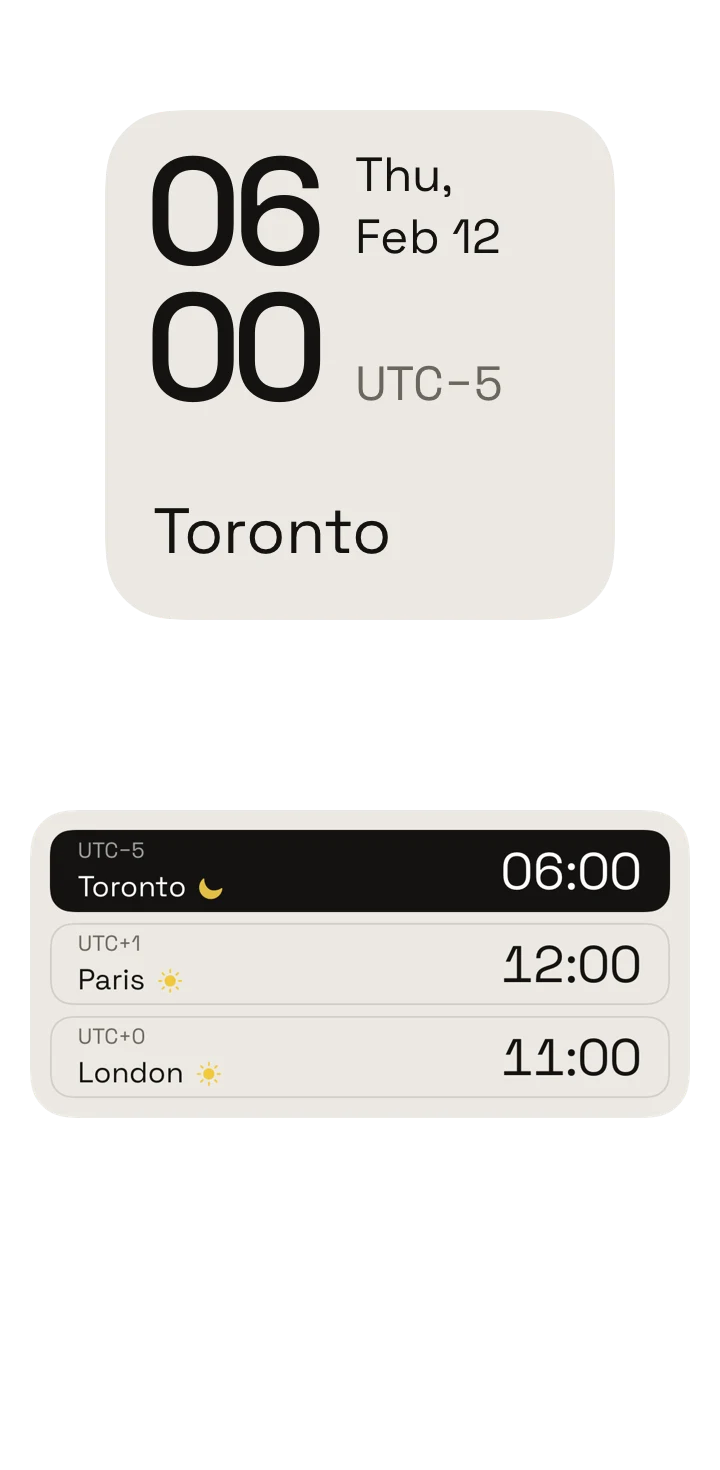
Native widget timeline previews · A day in seconds
About the demos
Hourline 1.1.1 · Native simulator captures · Demo weather and conversations
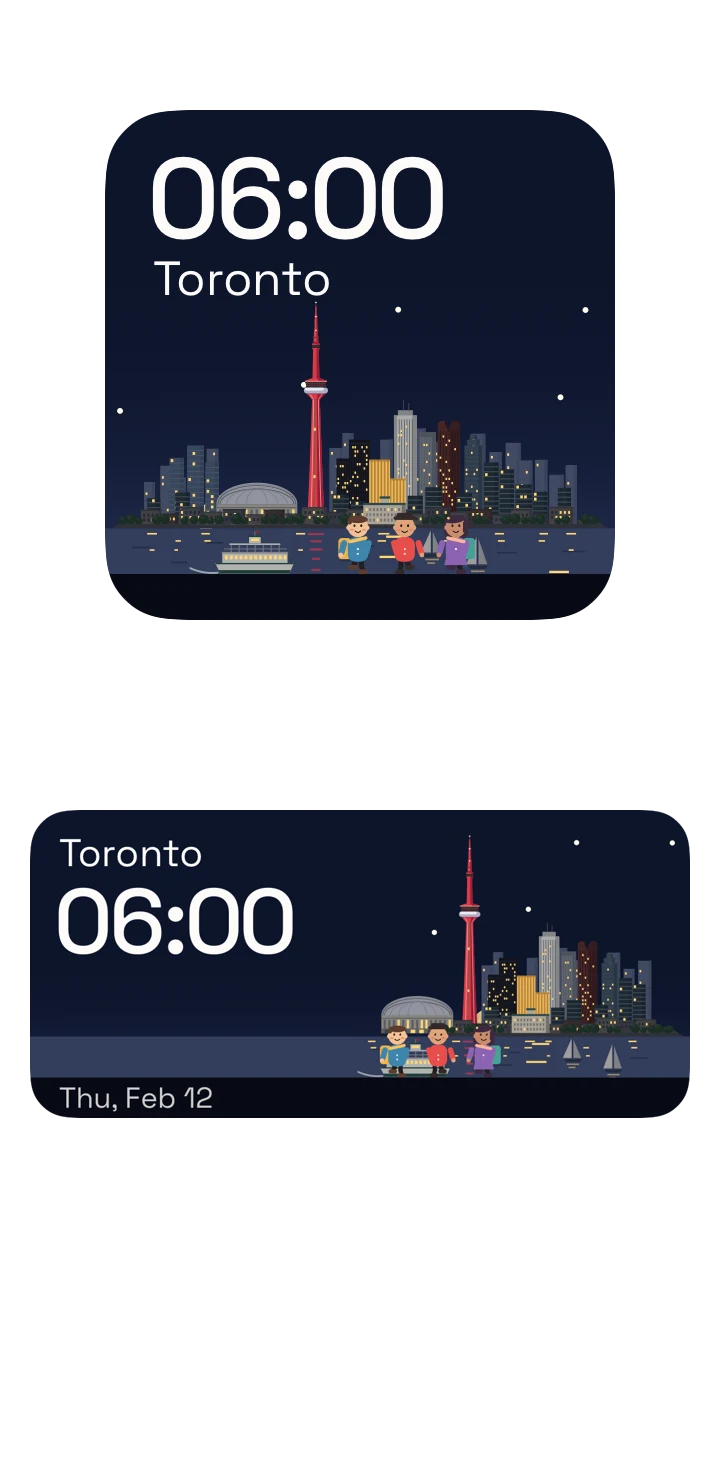
Native widget timeline previews · A day in seconds
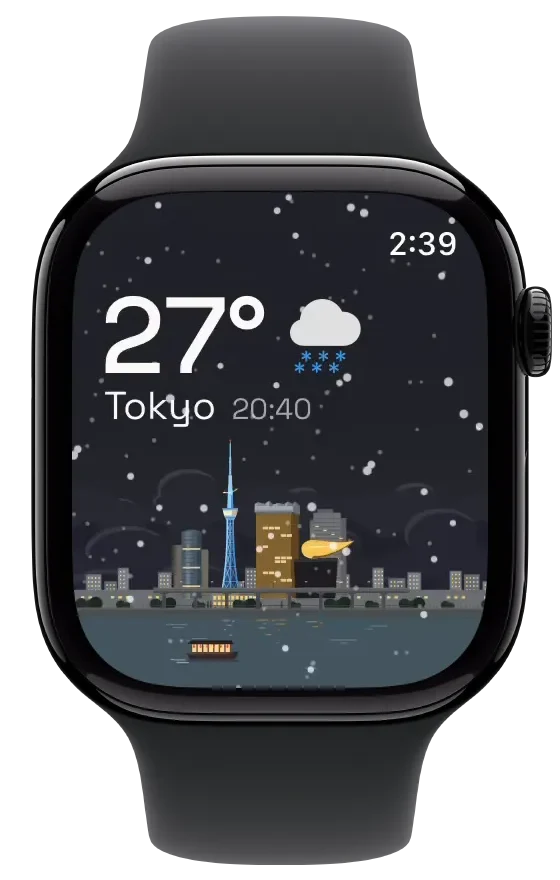
Widgets
| Widget | What it shows | Plan |
|---|---|---|
| Clock and city time | One, two or three cities' times, with a map or the hour line | Free |
| Now & Next | A countdown to your next event | Free; on the city's scene with Pro |
| Year of Light | A city's daylight through the year | Free; on the city's scene with Pro |
| Moon Month | The moon's phases for a city's month | Free; on the city's scene with Pro |
| Reminders Across Time | Your reminders on a city's clock | Free; on the city's scene with Pro |
| Two-City Calendar | Your events on your clock and a city's | Free; on the city's scene with Pro |
| Golden Hour and World Timer Dial | The best light of the day; a world timer dial | See the widget gallery |
| Landmark | A city's illustrated landmark under its live sky | Pro |
| Illustration and City Status | The city's scene, or its time, weather and status | Pro |
| Postcard | A postcard of your city or your own photo, in four styles | Pro |
| Window and Departures | A view out to the city; a departures board of your cities | Pro |
| Widget Studio | Your own postcard design, sent to the Home Screen | Pro |
Widget names as shown in Hourline 1.1. Lock Screen widgets work on iPhone and iPad; Apple Watch has its own complications and Smart Stack widgets.
Live Activities and Apple Watch
- Free Live Activities show up to three cities on the Lock Screen and in the Dynamic Island.
- Apple Watch complications and Smart Stack show your cities' times and scenes; Pro adds weather details on the watch.
- Widgets follow the same illustrated scenes as the app and stay composed on Clear and Tinted Home Screens.
Questions people ask
What is a good iPhone widget for other cities' time and weather?
Hourline has free clock widgets for one to three cities and Live Activities for up to three cities; with Pro, Landmark and City Status widgets add each city's illustrated scene and weather.
Does Hourline have Lock Screen widgets?
Yes. Hourline has Lock Screen widgets on iPhone and iPad, and Live Activities that show up to three cities on the Lock Screen and Dynamic Island.
Which Hourline widgets need Pro?
Postcard, Landmark, Illustration, City Status, Window, Departures and other premium widgets need Pro, as do the illustrated versions of Now & Next, Year of Light, Moon Month, Reminders Across Time and Two-City Calendar, and adding a Widget Studio design. Many other widgets are free.