CITY WALLPAPERS
Your city. Your wallpaper.
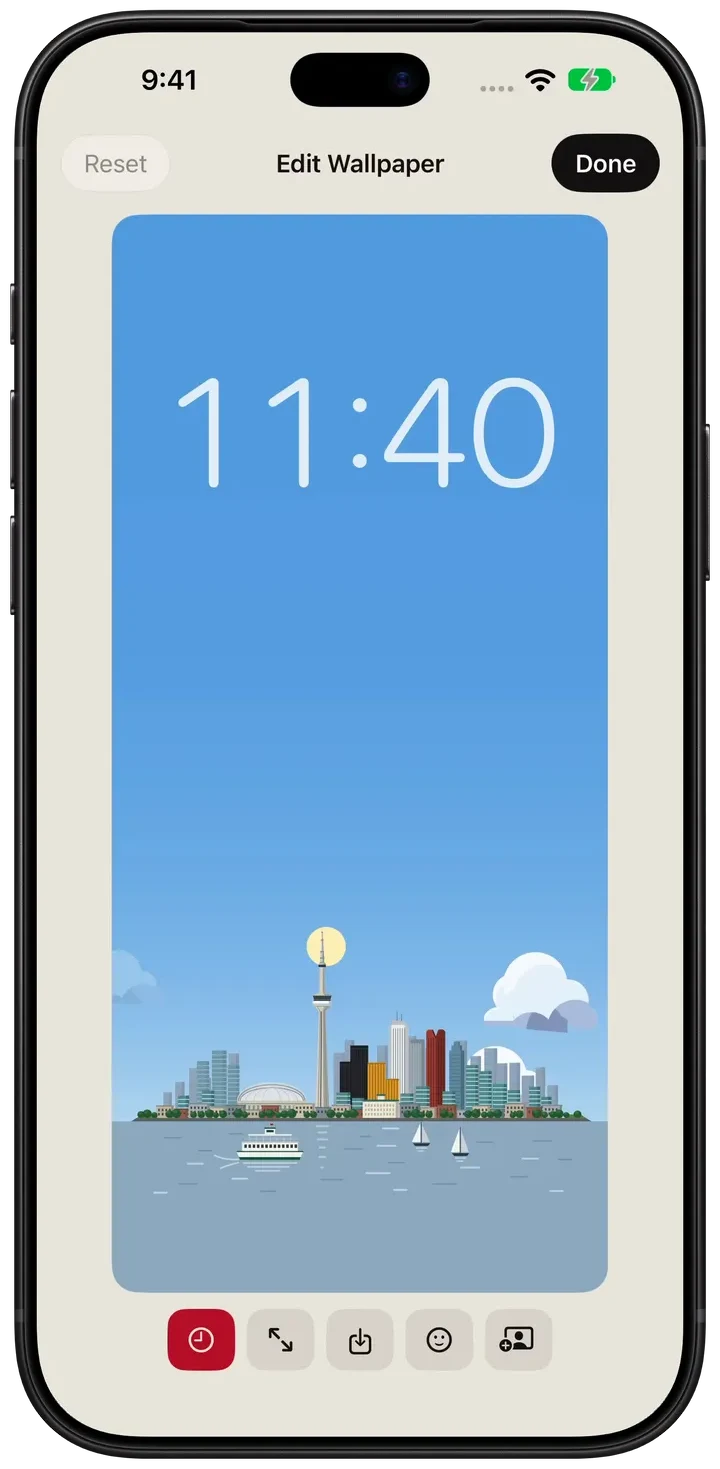
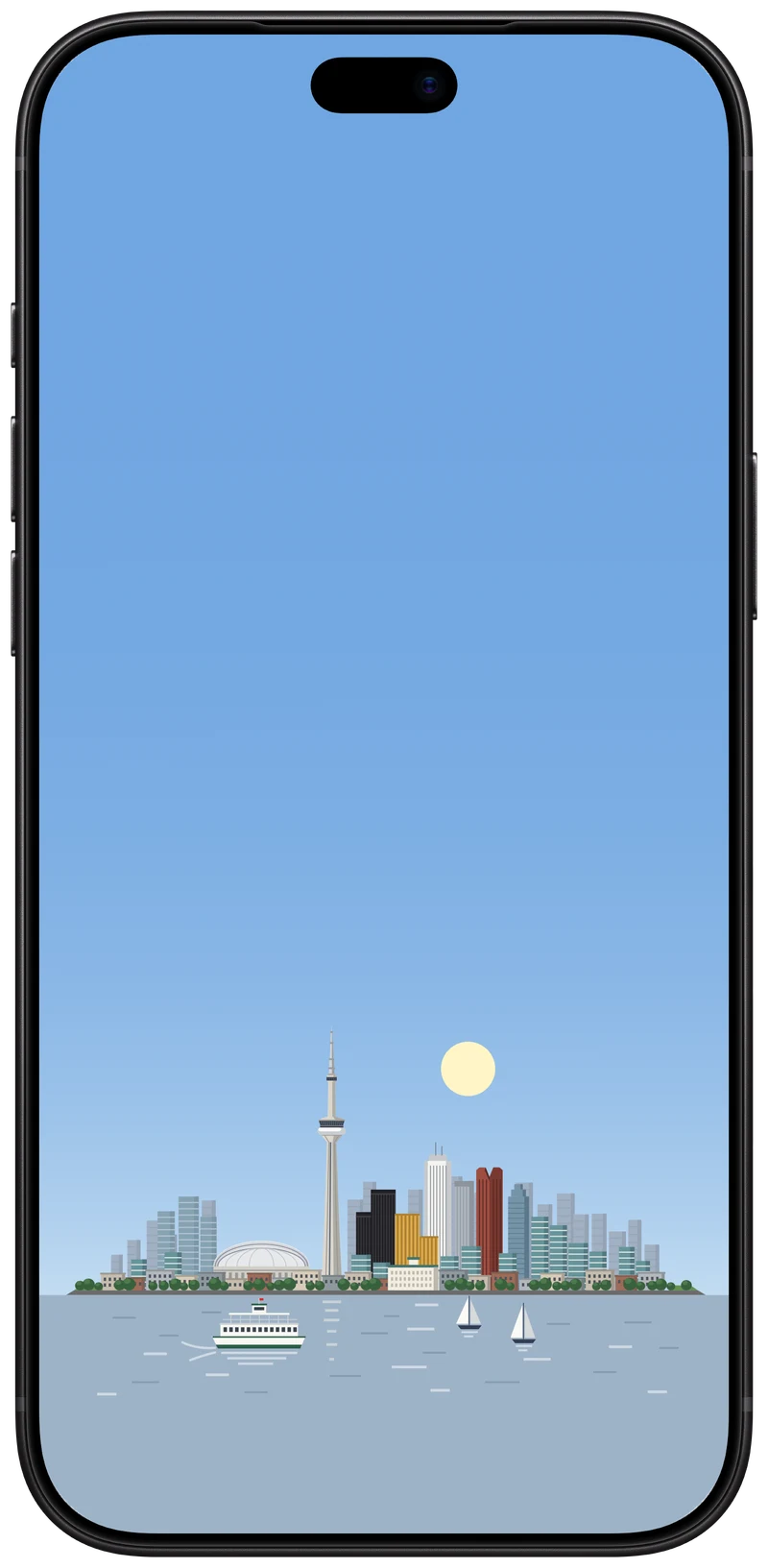
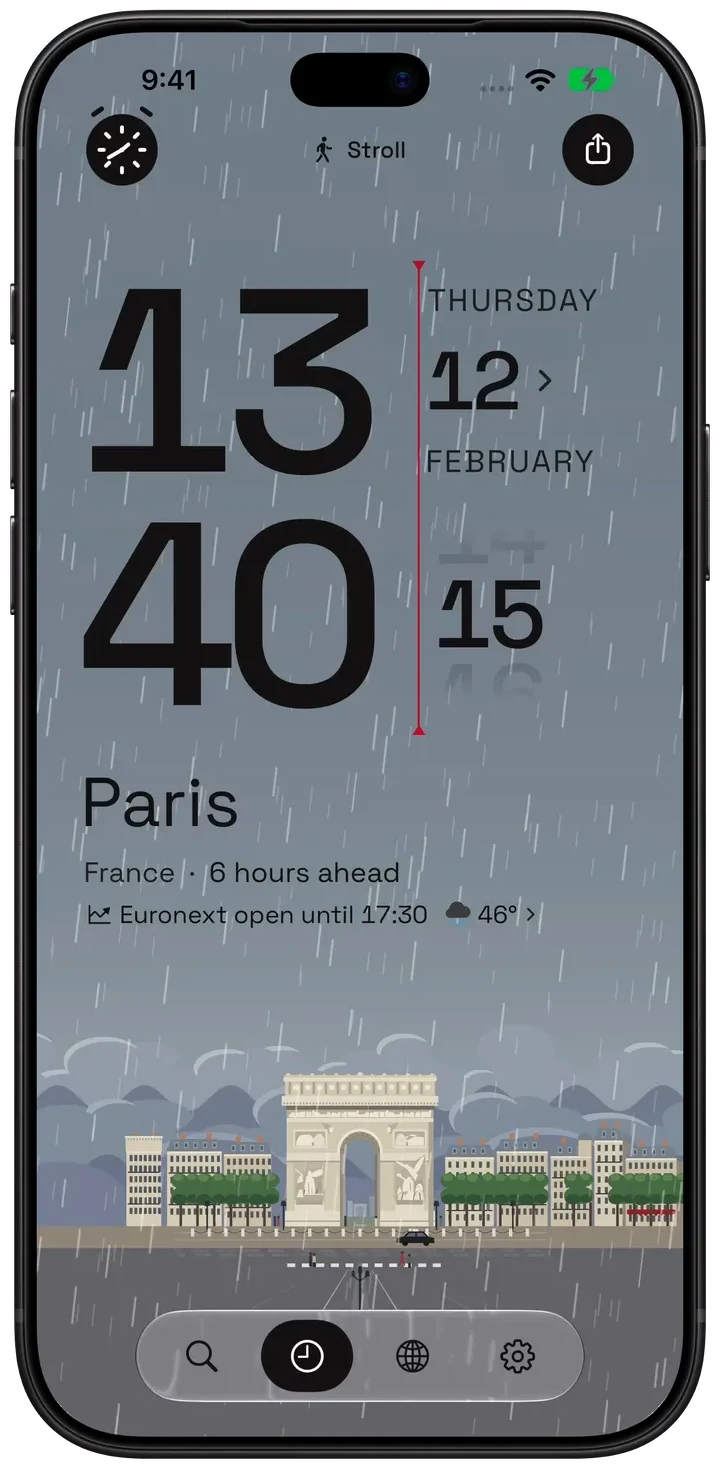
Choose an illustrated city and make it your Home Screen or Lock Screen wallpaper. Its sky follows the city's time of day — dawn, daylight, sunset and night — and, with Pro, its weather and forecast.
About the demos
Hourline 1.1.1 · Native simulator captures · Demo weather and conversations
Make a city wallpaper
- In Hourline, open Settings → City Wallpaper and choose the city.
- Choose Scenery only (free) or Weather information (Pro), which adds the city's current and hourly weather, a weather brief, and today's events or reminders if you want them.
- Tap Edit Wallpaper to adjust the picture's position and zoom with a live preview. Add stickers, or choose a photo and the person in it stands in the city's scene, lit by its hour and weather.
- Save it to Photos and choose it as your wallpaper, or let Shortcuts set it for you, as below.
Let it change through the day
iOS lets only you and Shortcuts change your wallpaper, so Hourline gives Shortcuts a Generate City Wallpaper action that returns the wallpaper as it looks right now. Connect it to Shortcuts' Set Wallpaper Photo action and run it from a personal automation, and the city's sky moves from dawn to night on your screen. Hourline offers a ready-made shortcut in Settings → City Wallpaper; you choose which wallpaper it updates and turn the automation on.
Automation needs your own Shortcuts setup. Scenery wallpapers are free; weather information in the wallpaper needs Hourline Pro.
What is in the picture
- Choose from every illustrated city and scenic place. The free plan permanently unlocks 6 places, including Toronto; Pro unlocks more.
- The sun at its real height for that hour, the moon and stars at night, and rain, snow, fog or storms when the city has them.
- Color, or one of three printed inks; light or dark.
- With Pro, the city's name, current and hourly weather, a short weather brief, and your calendar events or reminders for the day.
Questions people ask
Is there an iPhone app that makes a wallpaper of a city that changes with the time of day?
Yes. Hourline makes illustrated city wallpapers whose sky follows the city's real time of day, and with Pro its weather. A Shortcuts automation using Hourline's Generate City Wallpaper action refreshes it through the day.
Are Hourline wallpapers free?
Scenery wallpapers are free. Weather information in the wallpaper and the 173 additional places require Hourline Pro.
Does the wallpaper update automatically?
Only through Shortcuts: iOS does not let apps change your wallpaper. Hourline provides the Generate City Wallpaper action and a ready-made shortcut; you turn on the automation.
Does it work on iPad?
Yes. Hourline runs on iPad with iPadOS 18 or later, and its wallpapers fit the iPad's screen.